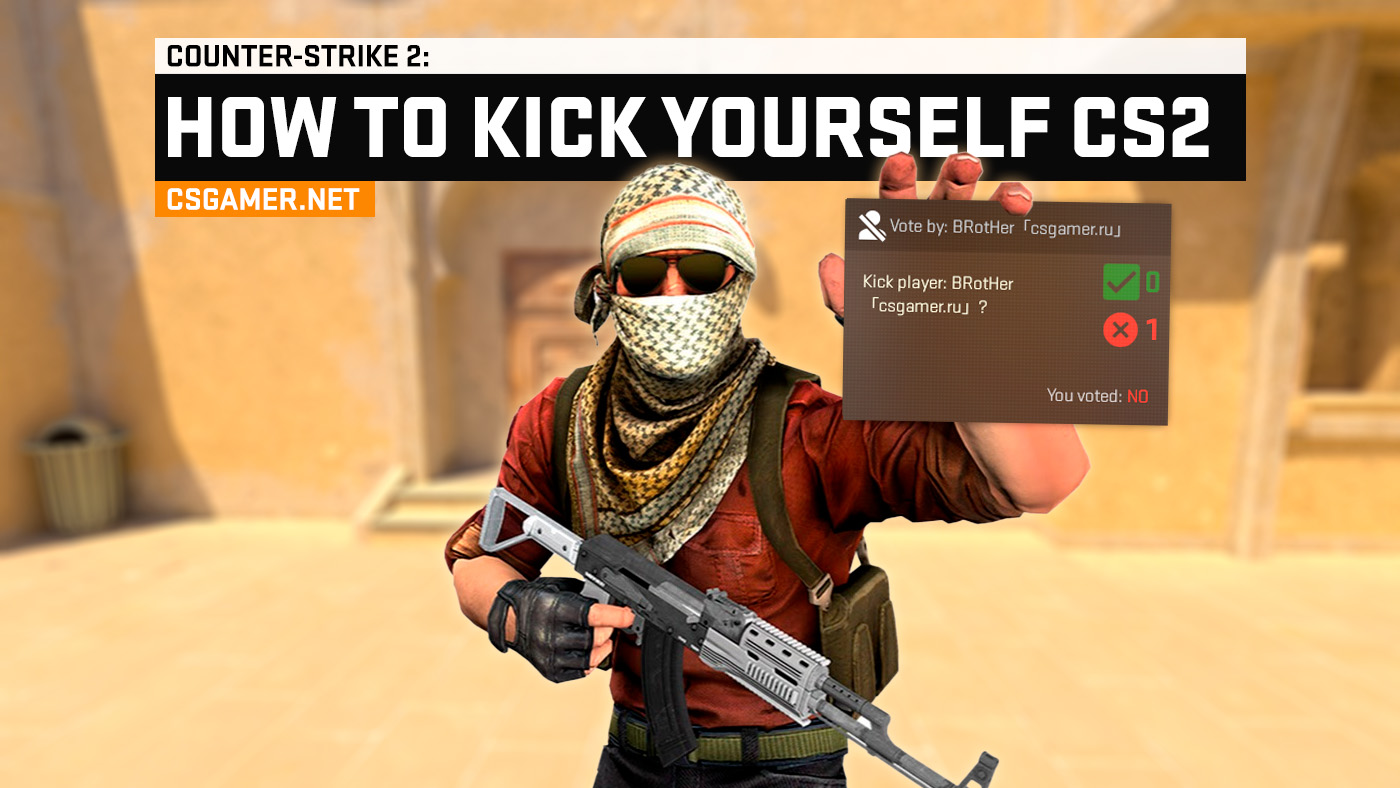
In Counter-Strike 2 (CS2), sometimes you need to leave a match urgently, but you don’t want to abandon a Competitive or Premier mode match: doing so can cost you rating and get you a temporary matchmaking ban. One option is to ask your team to kick you. In the standard vote menu, you cannot select yourself, so players use the console to start a vote for their own removal. In this guide, we’ll go over which command to enter and what to consider before getting kicked.
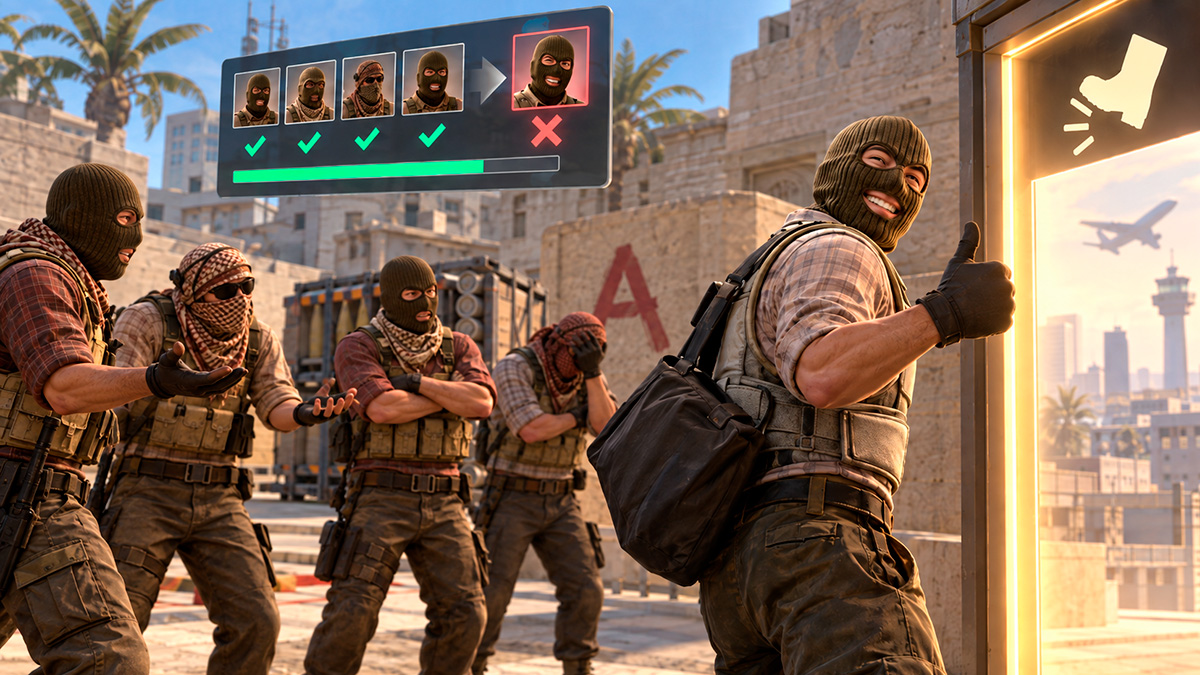
Why Is a Kick Better Than Just Leaving a CS2 Match?
Before we move on to the instructions, let’s figure out why players in CS2 consider a kick a better solution than simply leaving the match:
- No Temporary Matchmaking Ban: The CS2 matchmaking system imposes penalties for leaving competitive matches early (from 1 hour to 7 days).
- No Rating Loss: Leaving a match in Premier mode results in a loss of 1000 points – many times more than the penalty for a regular loss.
- You Can Arrange It With Your Team In Advance. Explain why you need to leave and ask your teammates to vote for the kick.
Important: The absence of a penalty for leaving does not mean you can use kicks all the time. Frequent removals can also lead to a temporary matchmaking ban.

Step-by-Step Instructions on How to Kick Yourself in CS2 via the Console
To put yourself up for a kick, you need to find your ID in the current match and enter it in a console command. This takes a few steps, but the final decision remains with your allies.
- During a match, open the developer console. Press the ` or ~ key.
If it does not open, go to “Settings” → “Game” → “Enable Developer Console” and select “Yes”. - Display the player list. Type
statusand press Enter. - Find your ID. Locate the line with your nickname and the corresponding game identifier – id. Do not confuse it with rate, ping, or other numbers in the line.
- Create a vote to kick. Type
callvote kick X, replacing X with the last digit of your ID, and press Enter. For example, for ID 65289, the command will be:callvote kick 9. - Wait for your team’s decision. If the vote starts, your allies can support your removal. If the vote succeeds, you will be automatically disconnected from the match.
Do not exit the game immediately after entering the command. First, wait for a successful vote and the removal message: starting a vote does not mean you have been kicked yet.
Disadvantages of Starting a Vote to Kick Yourself in CS2
Putting yourself up for a vote does not mean you will leave the match. This method has several limitations:
- You Need Your Allies’ Consent. In a full 5v5 team, a kick usually requires the support of the other four players. If even one of them votes against it, the removal will not happen.
- The Vote May Not Start. The reason may be an incorrect ID, server restrictions, or the unavailability of voting for yourself. In that case, ask a teammate to put you up for a kick through the regular menu.
- You Cannot Repeat Attempts Indefinitely. There are restrictions between votes, so you cannot always start a new one immediately.
- Frequent Kicks Can Lead To A Ban. You should not use removal as a regular way to end matches early.
- Your Team Will Be Left Short-Handed. Your departure will make the game harder for your allies, so they may not support the vote.
Do not try to force your team to kick you by disrupting the game, attacking allies, or giving weapons to opponents. Such actions can lead to reports and punishment for griefing. It is better to calmly explain the situation and ask for a kick.
Frequently Asked Questions (FAQ)
What Command Do You Need to Kick Yourself in CS2?
callvote kick X, where X is the last digit of your game ID from the output of the status command. The command requests a vote; it does not remove you instantly.Can You Kick Yourself Without the Console?
What Should You Do If callvote kick Does Not Work?
status and read the message in the console. If votes are temporarily unavailable, wait. If the server does not allow you to put yourself up for a kick, ask a teammate to start the vote through the menu.Can You Kick Yourself Without Your Team’s Consent?
Will You Get a Temporary Ban After a Kick?
Can You Simply Exit After Starting the Vote?
Conclusion
To put yourself up for a kick in CS2, find your ID with status and enter callvote kick X. Then wait for your allies’ decision and automatic removal. If voting via the console is unavailable, ask a teammate to start it through the menu. Use this option when you really need to leave, and explain the reason to your team in advance.

We have prepared a large list of websites where you can get bonuses such as free cases, skins, or promo codes when topping up.

We compared the price of one skin on various trading platforms to help you choose the most suitable one.

We analyzed case opening sites and compiled a ranking, evaluating them from best to worst based on the quality and profitability of skin drops.