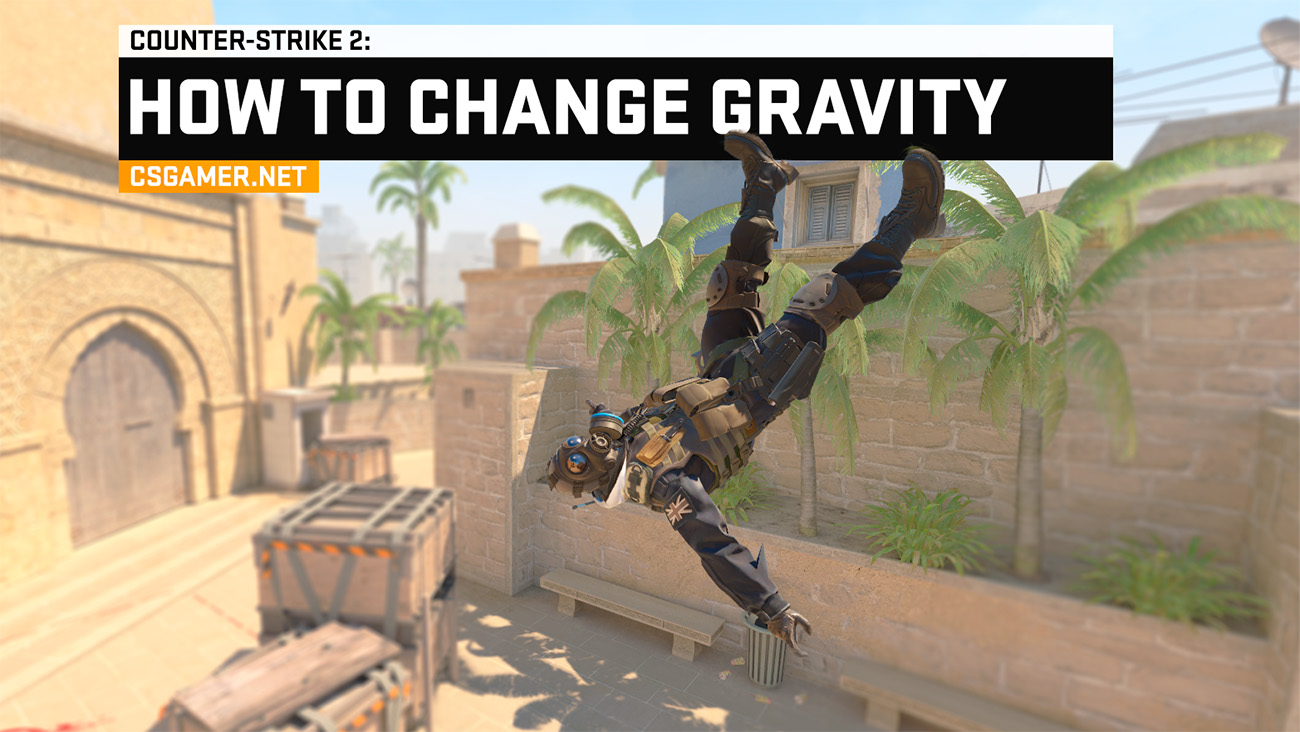
In Counter-Strike 2 (CS2), there is a powerful tool for fun on your own servers – fun console commands. One of the most popular and spectacular commands allows you to change gravity. By disabling it, you can float in the air, and by increasing it, you can turn jumping into a real ordeal where overcoming even small obstacles becomes a difficult task. This guide covers everything about gravity control commands in CS2.
Enabling Cheat Mode for CS2 Gravity
Currently, activating cheat mode to control gravity is optional. However, it is recommended that the server owner (admin) enable it using a simple console command:
sv_cheats 1– enables cheat mode.
How to Disable Gravity in CS2 via Console
The command responsible for the strength of gravity in the game is sv_gravity. Its default value is:
sv_gravity 800– normal gravity in standard CS2 matches.
To experience weightlessness, use:
sv_gravity 0– completely disables gravity.
After jumping, you will no longer be able to land and will float infinitely or be propelled upward by any movement.

How to Make High Jumps in CS2 via Console
Want to jump like a superhero? The command sv_gravity makes it easy to adjust jump height for all players and bots on the server. Use values below the default 800:
sv_gravity 250– optimal value for impressively high jumps.
You can experiment by decreasing the value (e.g., sv_gravity 100 for even greater height) or slightly increasing it (sv_gravity 400 for moderately high jumps).
How to Disable Jumping in CS2 via Console
Logically, if decreasing gravity increases jump height, then increasing it will make jumping nearly impossible. Use values above 800:
sv_gravity 2000– significantly increases gravity. Not only will you jump very low, but you will also start taking fall damage even from small heights, such as jumping off stairs on Mirage. Higher values can be set for extreme effects.

Gravity for Dead Players’ Bodies in CS2
A separate command controls how player bodies behave after death:
ragdoll_gravity_scale 200– sets custom gravity for corpses (ragdolls). A value of 200 will make bodies fly farther or fall faster upon death. You can set any value, similar tosv_gravity:ragdoll_gravity_scale 0– bodies will float.ragdoll_gravity_scale 50– very weak gravity; bodies fall/fly away slowly.ragdoll_gravity_scale 1000– bodies fall downward very sharply.
Gravity Binds in CS2 for Quick Access
To avoid entering commands manually each time, you can assign them to keys (create a bind). It is ideal to use NUMPAD keys (numeric keypad), as they are rarely used in-game:
bind "kp_2" "sv_gravity 200"– assigns the command for high jumps to the 2 key (NUMPAD).bind "kp_8" "sv_gravity 800"– assigns the command for standard gravity to the 8 key (NUMPAD).bind "i" "sv_gravity 1200"– assigns the command for strong gravity and low jumps to the i key.
How to Remove a Bind: Use the command
unbind kp_2(replacekp_2with the desired key) to remove the action from that key.
Conclusion
Controlling gravity with sv_gravity and ragdoll_gravity_scale opens limitless possibilities for fun experiments with friends on your CS2 servers. For even more interesting effects, combine gravity changes with time-speed commands:
- Slowing time will create an epic slow-motion effect during your super-jumps or falls.
- Speeding up time will allow high jumps but almost instant landings.
Detailed instructions for controlling time speed in CS2 can be found in our separate guide. Happy and fun experimenting!

We have prepared a large list of websites where you can get bonuses such as free cases, skins, or promo codes when topping up.

We compared the price of one skin on various trading platforms to help you choose the most suitable one.

We analyzed case opening sites and compiled a ranking, evaluating them from best to worst based on the quality and profitability of skin drops.