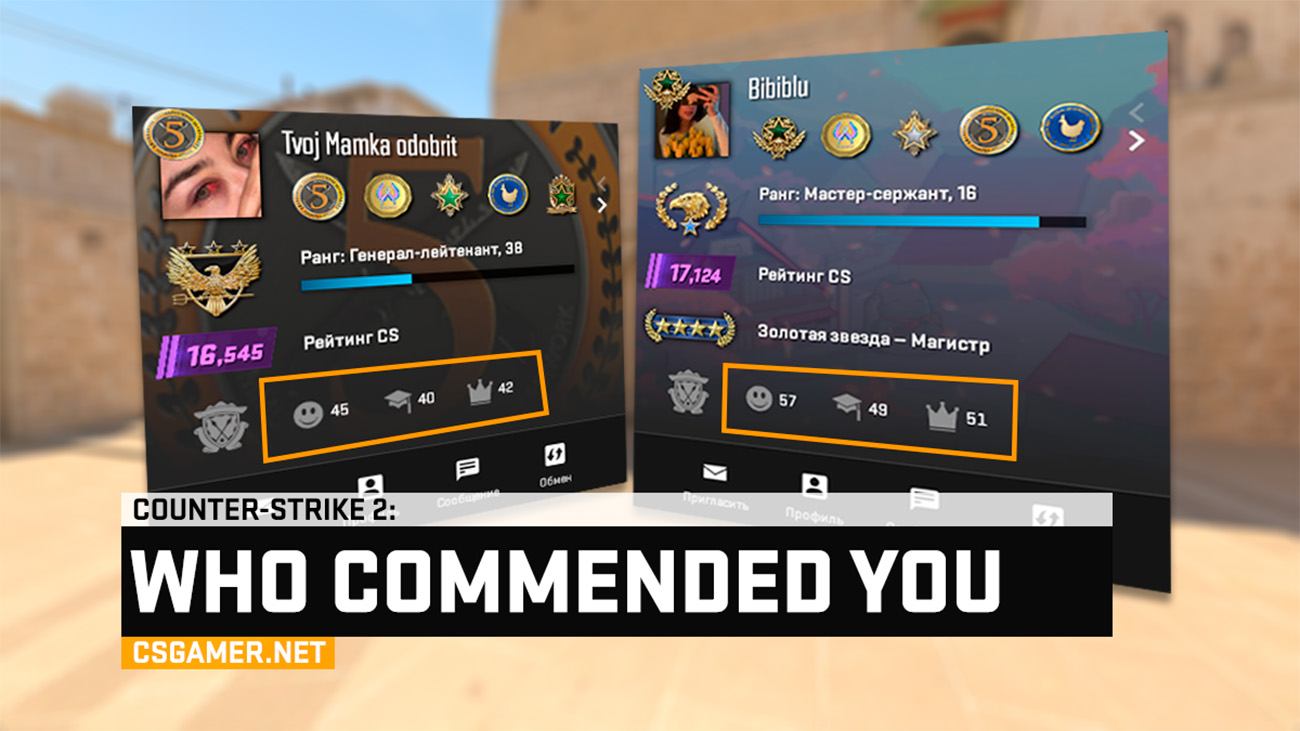
Counter-Strike 2 (CS2) brought many innovations, but some social features successfully migrated from CS:GO. One of them is the commendation system, allowing players to acknowledge each other’s positive qualities. In this guide, we’ll break down how this mechanic works, how to give a commendation, and most importantly – how to check through Steam who exactly commended you and for what.
What Is a Commendation in CS2
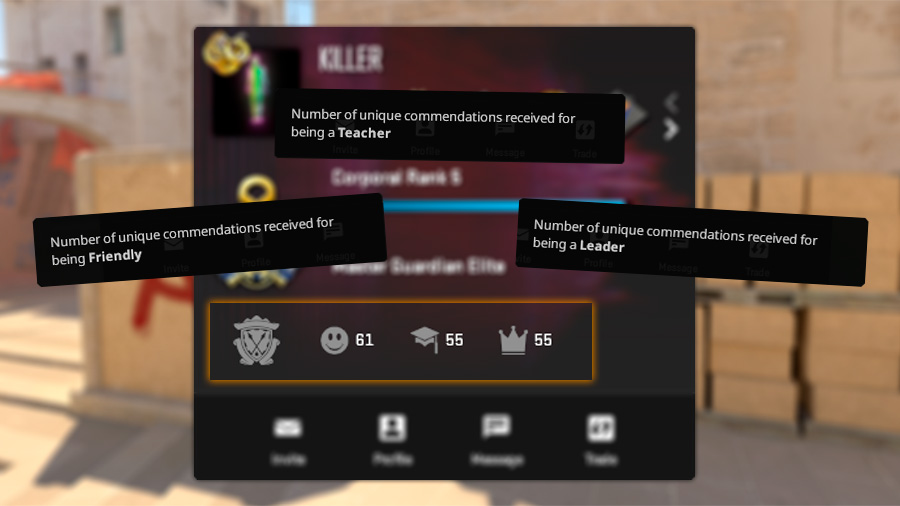
A commendation in Counter-Strike 2 is an in-game positive feedback system. During a match, you can acknowledge teammates or even worthy opponents in one or more categories:
- Friendly – for pleasant and positive communication.
- Teacher – for useful advice and help.
- Leader – for competent calls and team management.
You can commend in all three categories at once. It’s a great way to say ‘thank you’ for a good game.
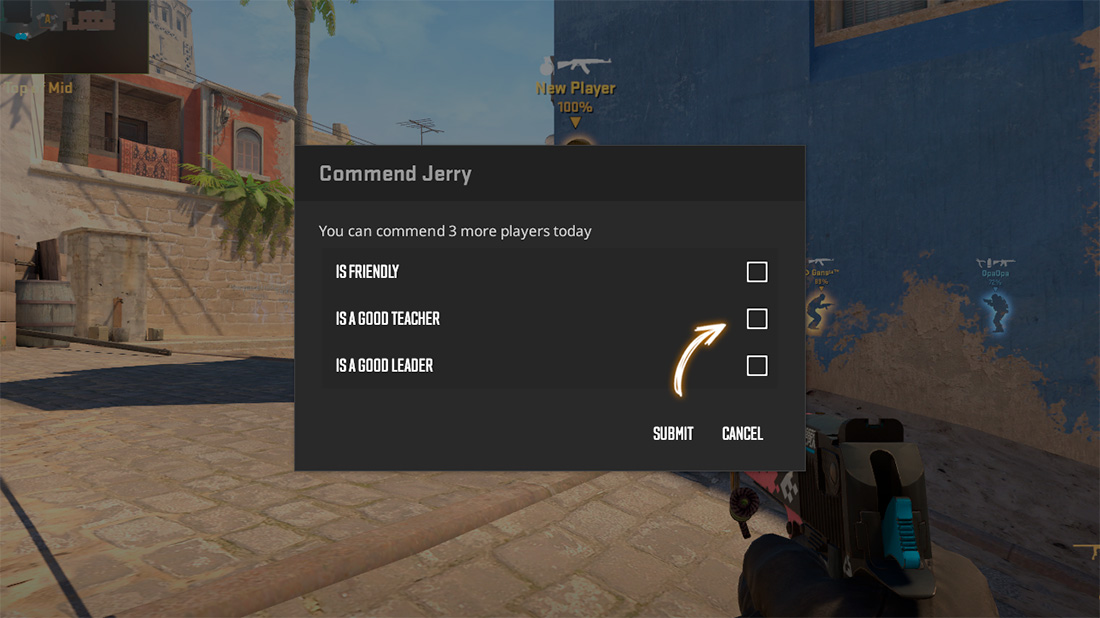
Important limitation: You can only commend three different players per day. This is to prevent boosting and preserve the value of this feature.
How to Commend Another Player in CS2
This action is only available during a match (Competitive, Premier mode, Casual, and others).
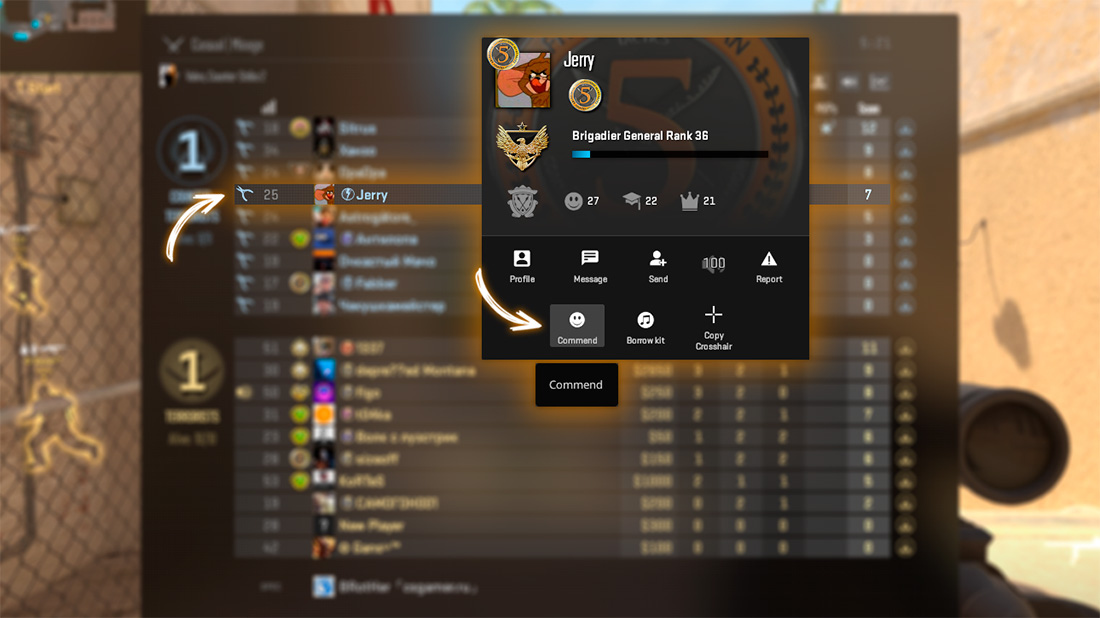
- Press TAB to open the scoreboard.
- Right-click on the nickname or avatar of the desired player.
- In the pop-up mini-profile, find and click the ‘Commend’ button.
- Check the appropriate categories and confirm your choice.
The player will instantly receive a notification in the game chat about your commendation.
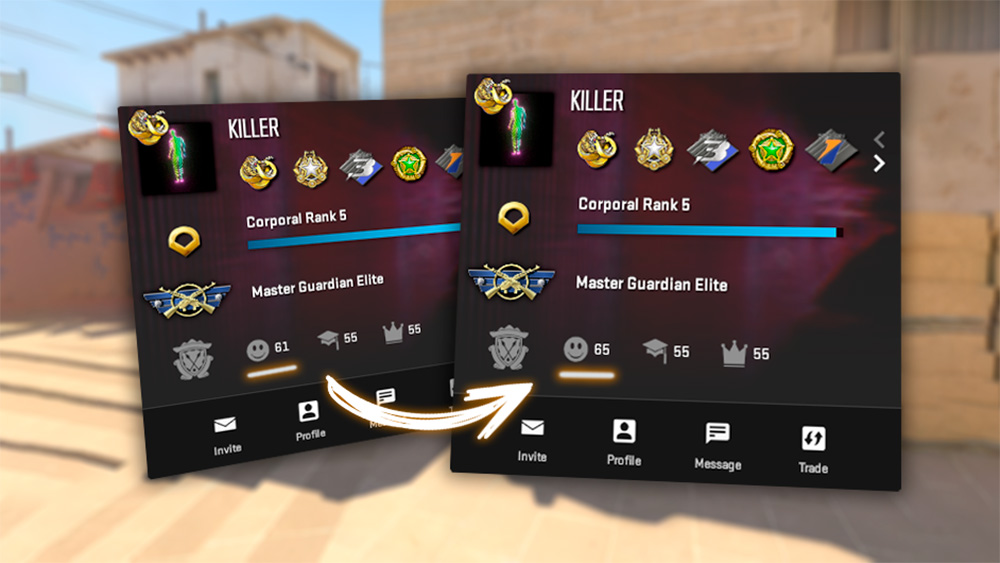
How to Find Out Who Commended Me in CS2
Notification in the game chat is easy to miss. Fortunately, the complete commendation history is stored on Steam. Here’s how to access it:
- Open the Steam client or go to the official website steamcommunity.com.
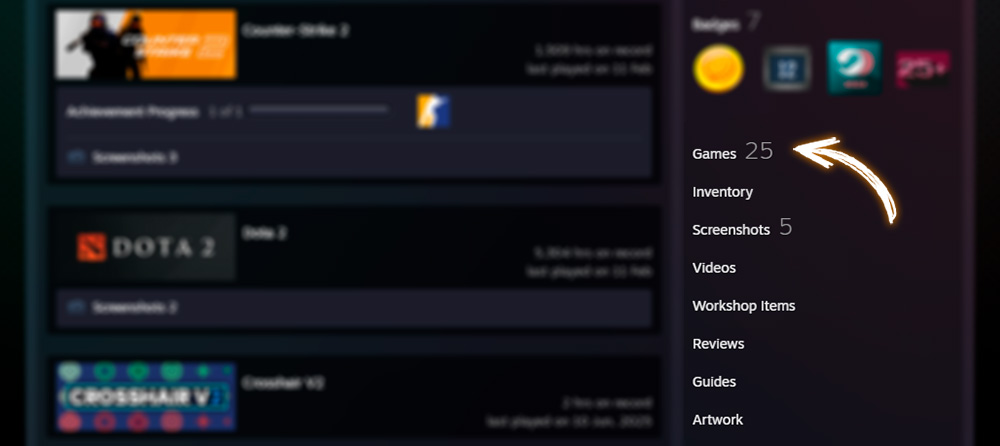
- Go to your profile and in the menu on the right select ‘Games’.
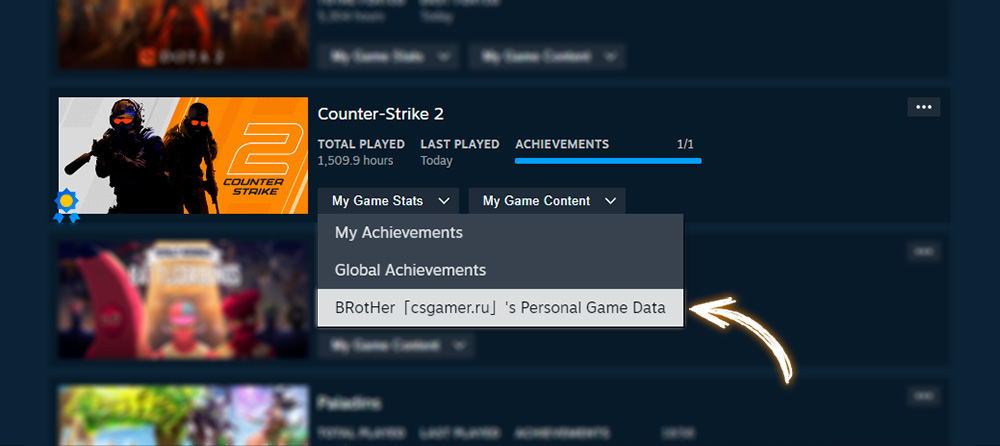
- Find Counter-Strike 2 in the list and click the link ‘My Game Stats’. In the drop-down menu select ‘[Your nickname]: Personal Game Data’.
- In the opened window, go to the ‘Commendations’ tab.
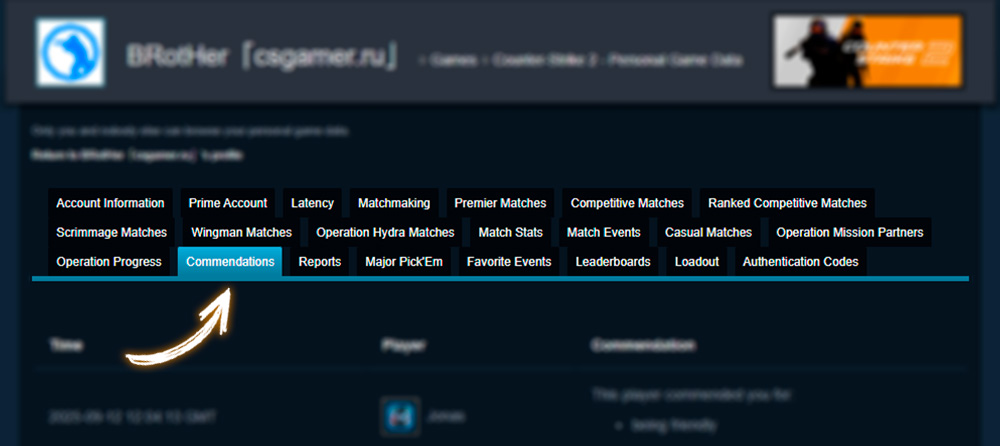
- Here you will see a table: whom you commended for what, and who commended you for what. Dates and specific categories are indicated.
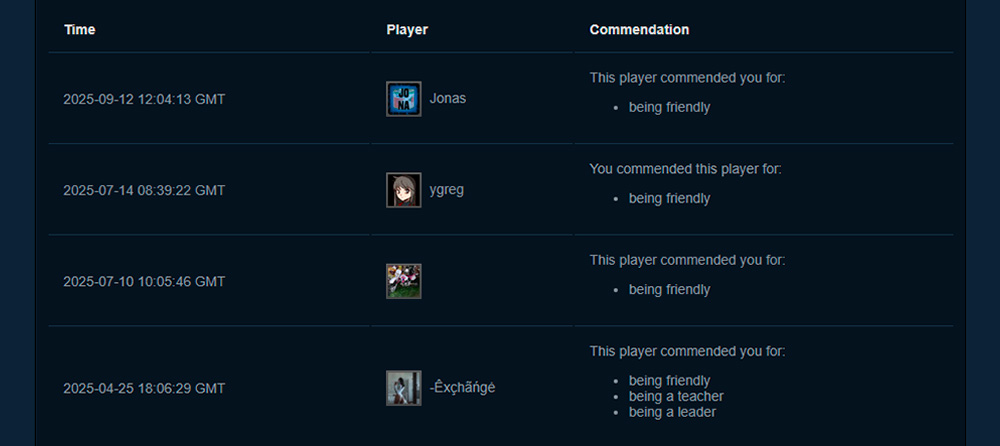
Any name in the list is a clickable link to the Steam profile. This is convenient if you want to add a pleasant teammate as a friend or view their stats.
Conclusion
The commendation system in CS2 is a simple but effective tool for creating a more friendly community. Now you know not only how to commend another player in the heat of battle, but also how to later, in a calm environment, go to Steam and check who appreciated your leader, teacher, or simply friendly behavior. Use this feature – it makes the game more enjoyable for everyone!

We have prepared a large list of websites where you can get bonuses such as free cases, skins, or promo codes when topping up.

We compared the price of one skin on various trading platforms to help you choose the most suitable one.

We analyzed case opening sites and compiled a ranking, evaluating them from best to worst based on the quality and profitability of skin drops.