100SKINS Bonus Codes

100SKINS Website Review
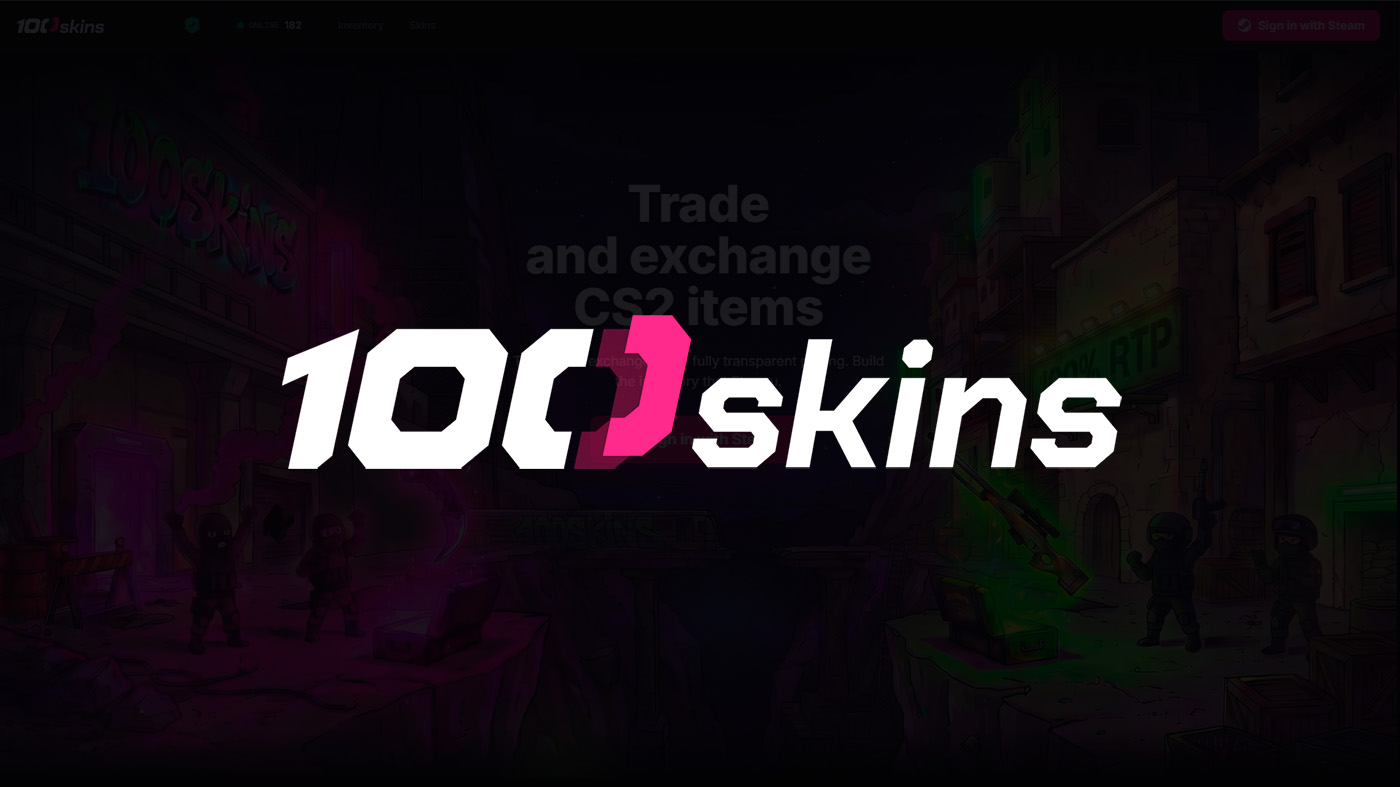
100SKINS is a platform for trading Counter-Strike 2 skins. The service allows you to select items from your own inventory and find replacements for them from the site’s catalog. The item types available include weapon skins, knives, and stickers.
This format is suitable for players who want to refresh their inventory: replace a boring finish, pick weapons in the same color scheme, or assemble a specific set. At the same time, the appeal of a particular trade depends on the valuation of both sides of the deal, so before confirming, it is important to compare the value of the items you give away and receive.
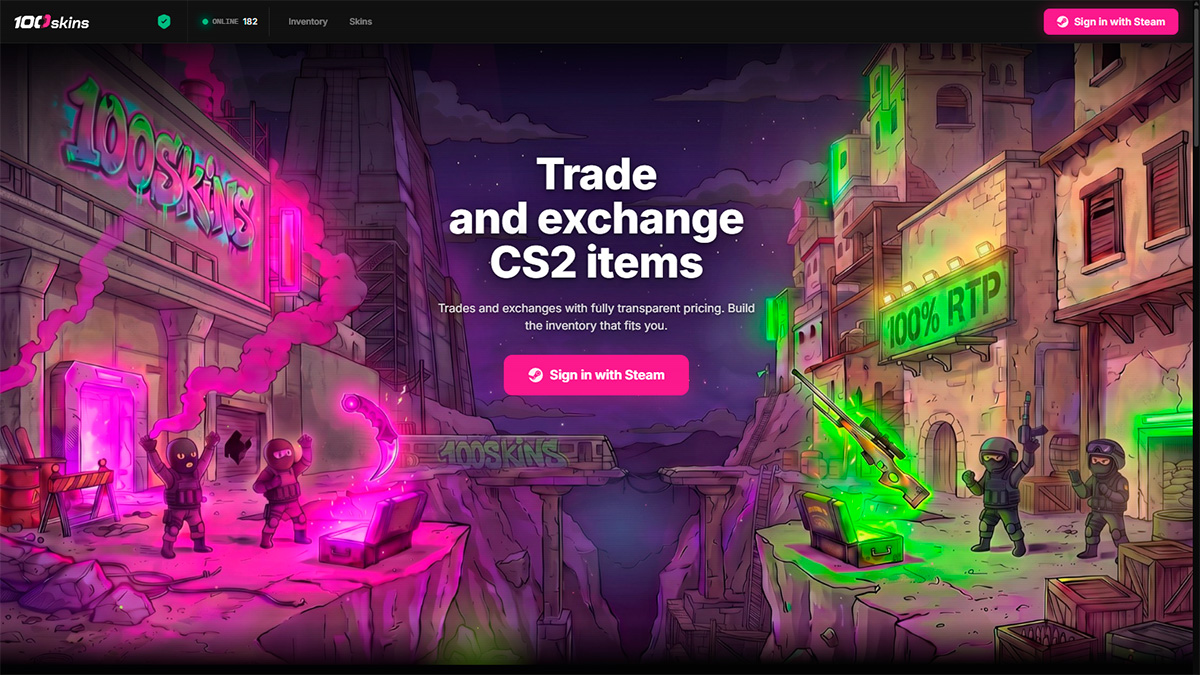
100SKINS Website Interface
The 100SKINS interface is based on two blocks: “My Items” and “Select Items”. The first is used to select the user’s skins, and the second to choose items from the site. Authorization via Steam is provided to access your inventory.
When choosing a replacement, you should not rely only on the image. Two visually similar skins may differ in wear, pattern, and other characteristics that affect appearance and value. You should be especially careful when comparing expensive items, where the difference between individual copies can be significant.
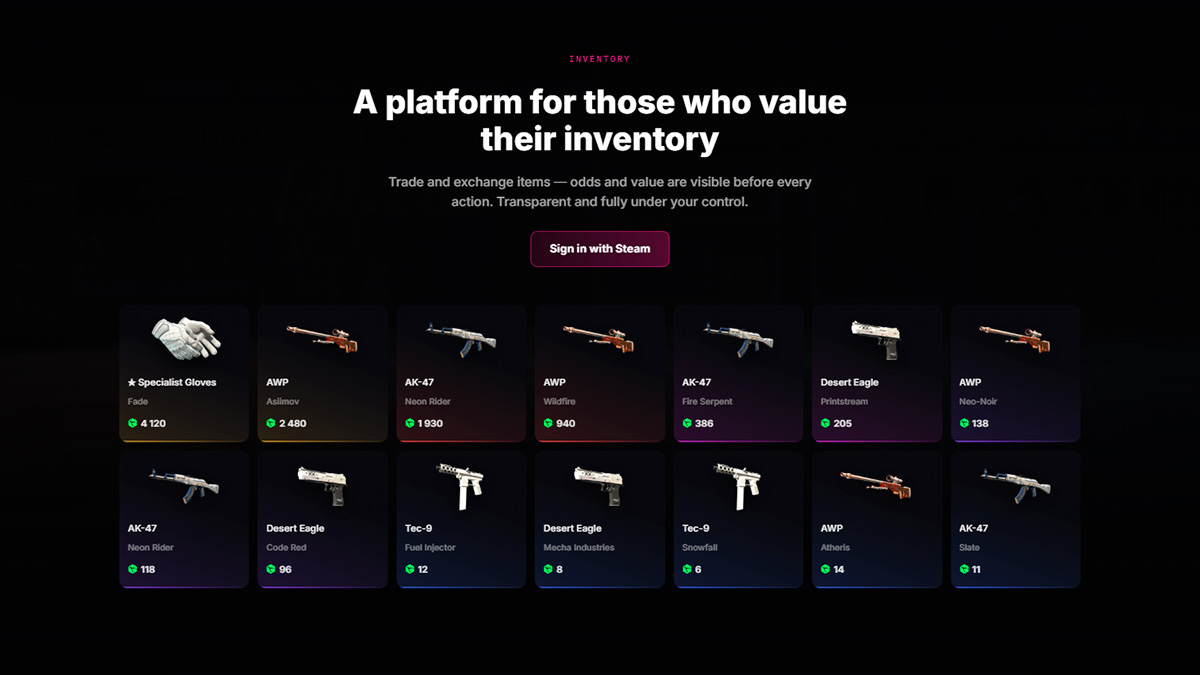
Which Items Can Be Traded on 100SKINS
The platform description lists several ways to use the service:
- Weapon Skin Trading – choosing a new finish for your usual in-game loadout.
- Knife Trading – exchanging an item for another knife or weapon skins.
- Sticker Trading – finding stickers for a collection or weapon decoration.
- Multiple-Item Trading – selecting several skins for one trade.
The availability of the required copy must be checked in the catalog. Even if a certain weapon model is available, a suitable combination of price, wear, and pattern may not be available.
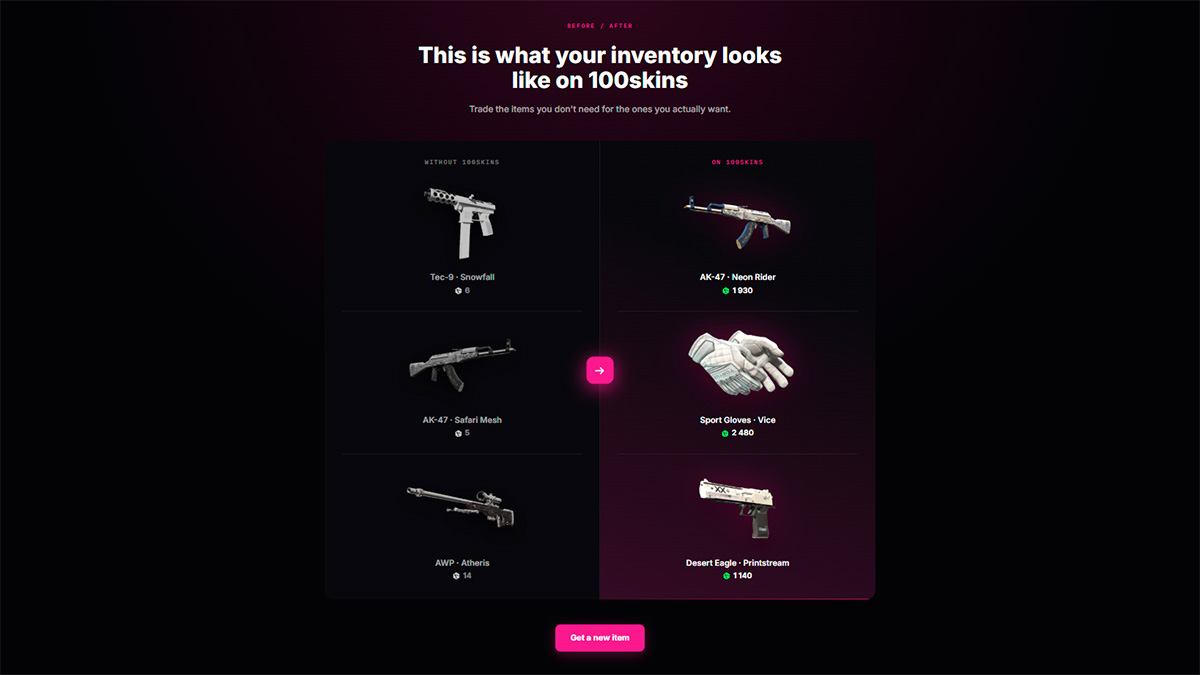
How to Trade Skins on the 100SKINS Website
The general procedure for using the service is as follows:
- Log in via Steam.
- Select the skins you want to give away.
- Choose the desired items from the site’s catalog.
- Check the final valuation and trade terms.
- Confirm the trade after checking the selected items.
If the trade requires confirming an offer in Steam, carefully verify its contents. The names, quantities, and characteristics of the items must match the selected terms. Rely on the trade offer itself, not only on the image or the calculation on the site.
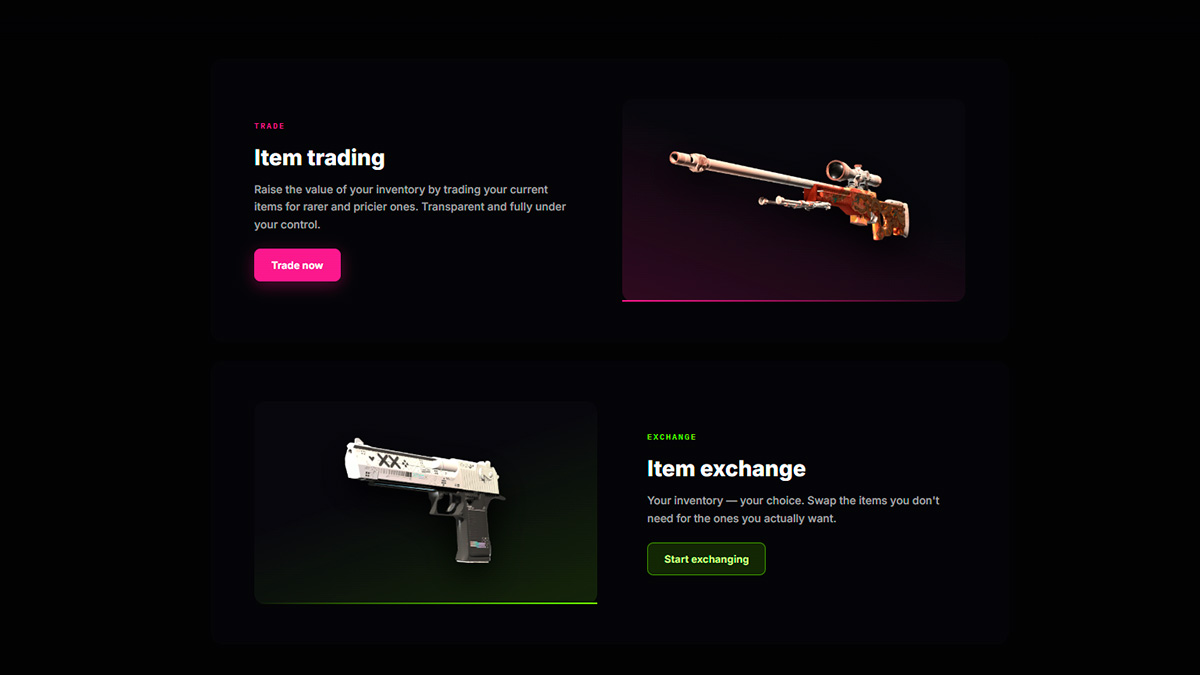
How to Choose a Skin for Trading
The name of the finish is only one of the selection parameters. To get a suitable copy, it is useful to pay attention to the following characteristics:
- Wear Category. Categories from Factory New to Battle-Scarred denote wear ranges, but they do not fully describe the appearance of a specific copy.
- Float. The numeric wear value helps compare skins within the same category more accurately. However, a lower float does not automatically mean a more profitable purchase.
- Pattern. For some finishes, the placement of the pattern noticeably affects the appearance and demand for the item.
- Additional Features. StatTrak and applied stickers require separate attention when comparing copies.
If a skin is being acquired for gameplay, it is useful to preview it in the in-game environment beforehand. Lighting and weapon position can change the impression of the finish compared with the catalog image.
What to Consider When Evaluating a Trade
The main reference point is the final terms of the entire trade. A high valuation of your inventory does not by itself guarantee a profit: the items you receive may also be valued higher than on other platforms. Both sides of the trade should be compared at the same time.
For a correct comparison, choose the most similar copies: the same finish, wear category, and StatTrak availability. Check the terms of promo codes and bonus offers separately – it is important to understand which operation the bonus applies to and how it affects the final calculation.
Conclusion
100SKINS is a service for refreshing your CS2 inventory through item trading. It may be of interest to players who are looking for a specific replacement for their skins or assembling a themed set. Before a trade, you should check the characteristics of the selected copies, compare the valuation of both sides, and make sure the final terms match your expectations.

We have prepared a large list of websites where you can get bonuses such as free cases, skins, or promo codes when topping up.

We compared the price of one skin on various trading platforms to help you choose the most suitable one.

We analyzed case opening sites and compiled a ranking, evaluating them from best to worst based on the quality and profitability of skin drops.