
Before crucial matches in Counter-Strike 2 (CS2) competitive or premier modes, where your rank is on the line, a proper warmup becomes a decisive factor. Just as professional athletes warm up before taking the field, CS2 players prepare for the game: some choose intense Deathmatch sessions, others practice skills with bots on private servers. However, the standard warmup has a significant drawback – limited time, after which the server automatically switches to round-based mode, forcing you to manually restart the map. It is precisely for such cases that the infinite warmup exists – the optimal solution for full preparation without unnecessary pauses.
Why is an Infinite Warmup in CS2 Convenient?
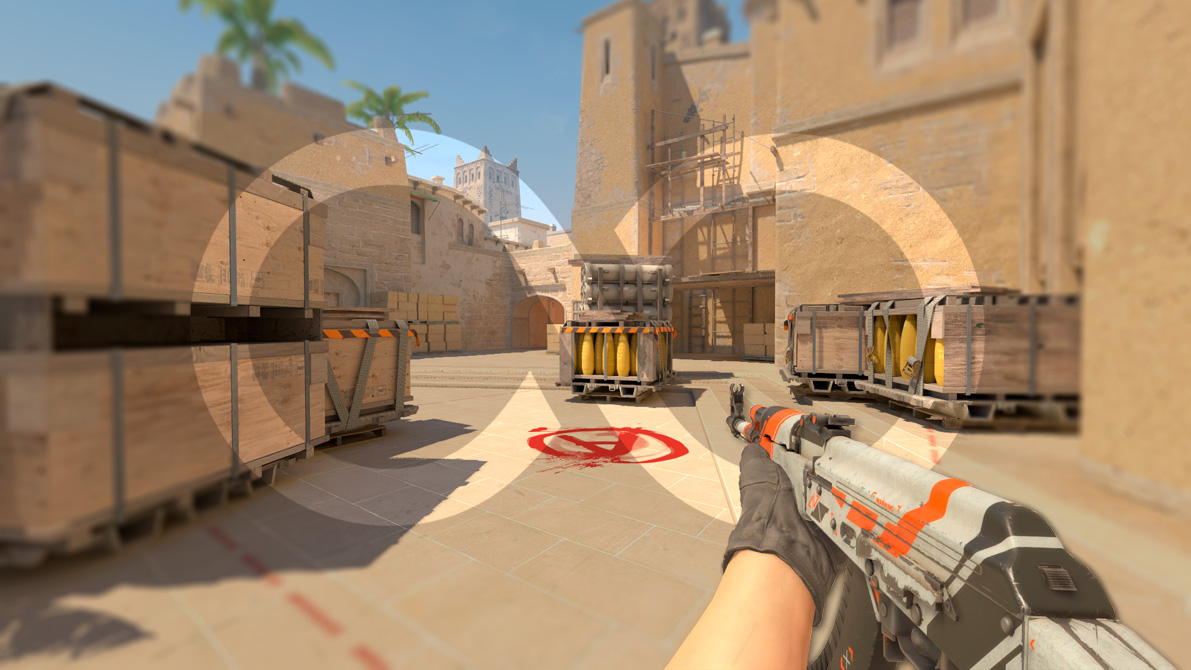
An infinite warmup in CS2 allows you to focus solely on honing your skills without constantly interrupting to restart the server. You can practice shooting, positioning, grenade throws, site clears, or jump training for an unlimited amount of time, without being distracted by round changes or a timer. It is the perfect tool for targeted and effective preparation before important matches.

Infinite Warmup in CS2 via the In-Game Menu
Counter-Strike 2 (CS2) features a convenient built-in way to launch an infinite warmup directly from the main menu – this is the fastest and simplest option for most players. However, note: when launched this way, an empty server is created, and you will need to add bots manually via the console command bot_add.
- Launch CS2.
- Go to the “PLAY” tab in the main menu.
- Select the “PRACTICE” mode.
- Choose the map you want to train on (e.g., Dust 2, Mirage).
- Find and check the box next to the “Infinite Warmup” option (also known as “Endless Warmup”).
- In the same menu, you can activate other useful training options:
- Grenade Camera: Allows you to see the trajectory and explosion point of a grenade from a third-person perspective.
- Infinite Ammo: Removes the ammo limit in magazines and reserves, allowing you to shoot without reloading.
- Click the “GO” button to launch the practice server with an infinite warmup.

Infinite Warmup in CS2 via the Console
This method is ideal for manual warmup control: with it, you can easily disable the warmup, configure its duration, or launch it on custom workshop maps.
- Launch an official map or a map from the Steam Workshop.
- Open the console using the standard key ` or ~ (Tilde).
- Use the following combination of commands:
sv_cheats 1; mp_warmup_start; mp_warmuptime 99999; mp_warmup_offline_enabled 1;
- You can end the warmup using the console command
mp_warmup_end.
Console Commands for Warmup in CS2
Let’s break down the purpose of each console command:
- Command
sv_cheats 1– Activates cheat mode, as managing the warmup may require cheats to be enabled. - Command
mp_warmup_start– Starts the warmup with the standard duration for the selected mode (usually 1:25 for casual mode or 2:00 for competitive mode). - Command
mp_warmuptime 99999– Sets an effectively infinite warmup time. The value 99999 seconds is approximately 27.7 hours, which in practice means an infinite warmup for training purposes. You can set any other large number (e.g., 3600 for one hour of warmup). - Command
mp_warmup_offline_enabled 1– Enables warmup in offline matches (with bots). Without it, in “Practice” mode, the match starts immediately without a warmup. - Command
mp_warmup_end– Ends the warmup and starts the first round of the match.
How to Disable the Warmup Timer in CS2
To expand on this, if you’ve started an “infinite” warmup but it’s still time-limited, you can completely disable the timer using these console commands:
mp_warmup_pausetimer 1– Disables the warmup timermp_warmup_pausetimer 0– Enables the warmup timer
Additional Commands for Warmup in CS2
Beyond the core commands, Counter-Strike 2 (CS2) has other parameters related to warmup that can be configured via the console. While less critical for a simple infinite training session, they illustrate the depth of customization available:
| Console Command | Description |
mp_endwarmup_player_count 0 |
Number of players required to be connected to end warmup early. 0 to require maximum players for mode. |
mp_warmup_items_drop_policy 247 |
Which items can drop during warmup (bitfield, 1=gun, 2=c4, 4=nade, 8=defuser, 16=taser, 32=healthshot) |
mp_warmup_items_nocost false |
Determines whether weapons are free to buy during warmup. |
mp_warmup_items_nocount_policy 42 |
Which items are unlimited during warmup (bitfield, 1=gun, 2=c4, 4=nade, 8=defuser/kevlar, 16=taser, 32=healthshot) |
mp_warmup_online_enabled true |
Whether or not to do a warmup period at the start of an online match. |
mp_warmuptime_all_players_connected 0.0 |
Warmup time to use when all players have connected. 0 to disable. |
mp_warmuptime_match_cancelled 5.0 |
Warmup time to use when the match will be cancelled (eg. due to a live VAC ban). |
As you can see, these commands are likely unnecessary in the context of a simple infinite offline warmup with bots. We mention them for completeness and to show that the warmup system in CS2 can be configured in great detail to suit any need.
Conclusion
You now know all the ways to set up an infinite warmup in CS2. Use the simple option via the “Practice” menu for a quick start, or harness the power of console commands for maximum control over the process, especially when working with custom maps. Regular and focused warmup is key to your progress and high performance in competitive matches. Dedicate time to practicing your skills, and your mastery in CS2 will steadily grow. Good luck on the virtual battlefield!

We have prepared a large list of websites where you can get bonuses such as free cases, skins, or promo codes when topping up.

We compared the price of one skin on various trading platforms to help you choose the most suitable one.

We analyzed case opening sites and compiled a ranking, evaluating them from best to worst based on the quality and profitability of skin drops.