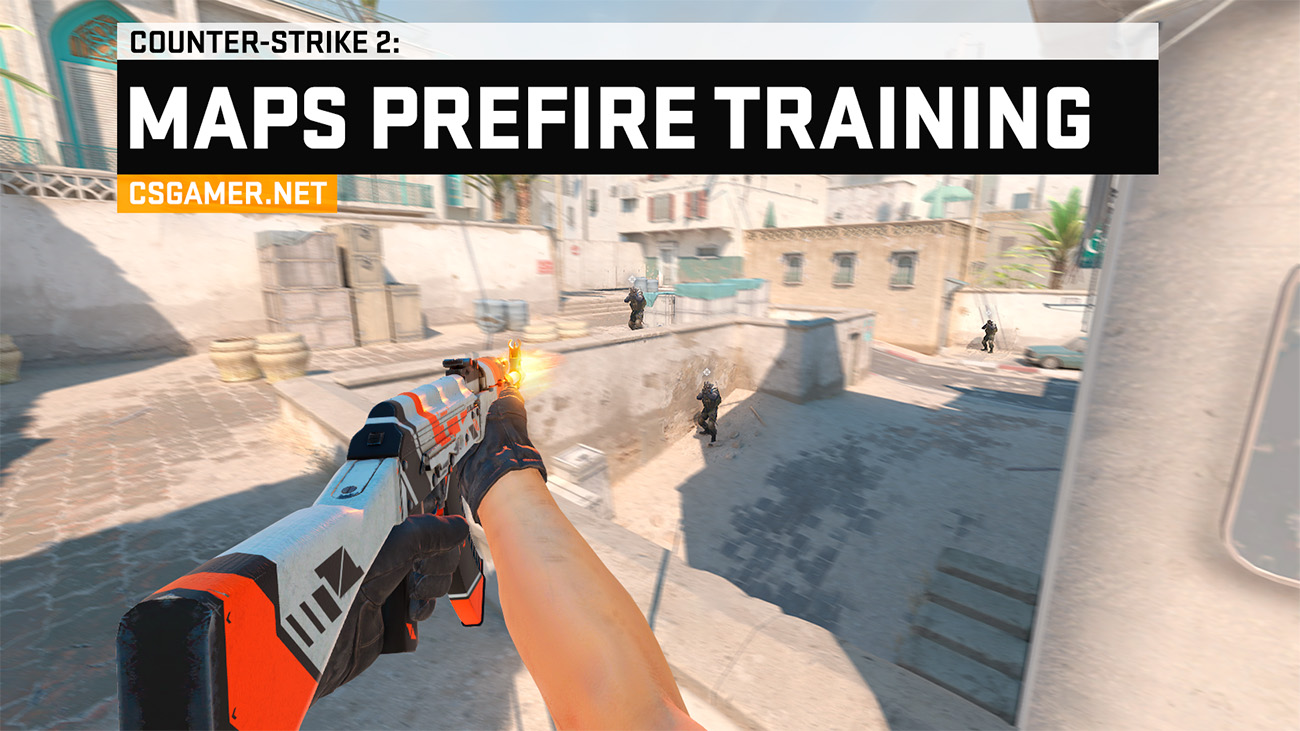
Looking for a prefire training map for CS2? If you need a straightforward option, start with the Prefire Training Maps series by lmtlss. For players who value flexible settings and different routes, the 5EPLAY maps are a better fit, while the updated Yprac Hub combines prefire, aim, nade lineups, and other modes into one all-in-one trainer.
Below, we’ve gathered the current prefire maps from the Steam Workshop for Mirage, Dust 2, Inferno, Nuke, Ancient, Anubis, Train, Overpass, Vertigo, Cache, and Office. We’ve compared their features, added direct links, and put together a short training routine so you don’t just memorize angles but actually learn how to properly peek them in matches.
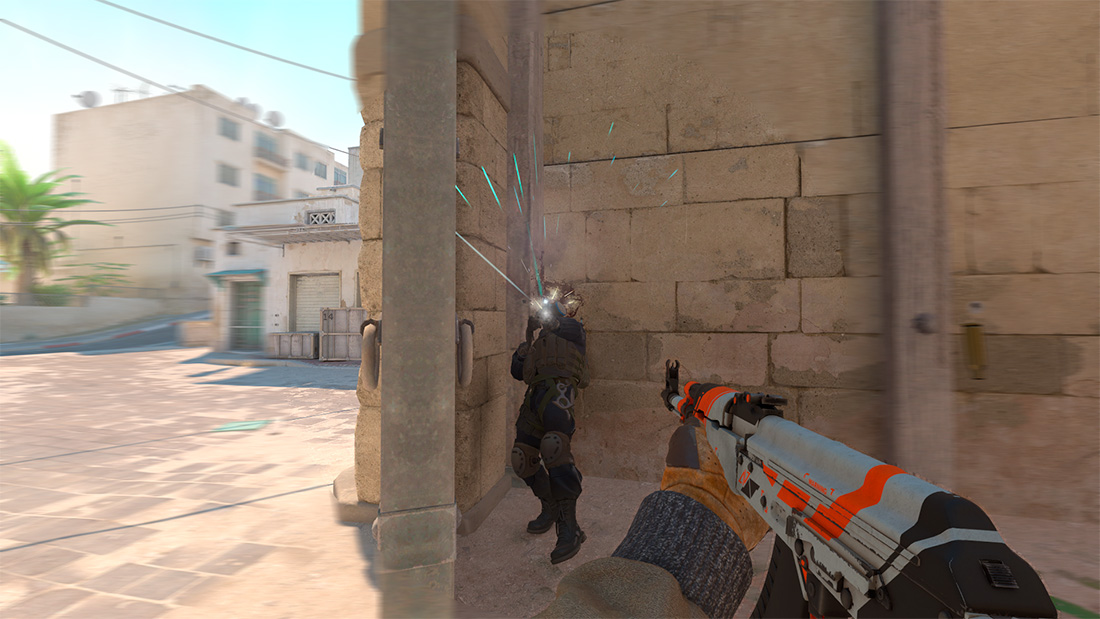
What Is Prefire in CS2
Prefire (from the English prefire – pre-emptive fire) is a shot fired at an opponent’s suspected position before they come into your line of sight or simultaneously with your own peek around a corner. The player knows the dangerous spot in advance, places their crosshair on it, and opens fire at the right moment.
Why Train Prefire
- Win the first contact faster. You start shooting before the opponent can fully appear from behind cover.
- Memorize priority positions. Over time, you learn which angles you need to check first on each route.
- Connect movement and shooting. The maps teach you to combine strafing, stopping, and landing precise first shots.
- Enter the bombsite with more confidence. Clearing a position stops being chaotic and becomes a clear sequence of actions.
Important: you don’t need to prefire every angle in a real match. Pointless prefire gives away your position and wastes ammo. Use it only where the enemy’s presence is likely based on info, timing, or typical player positions.
Which Prefire Training Map Is Best?
Short answer: most players should go with maps from lmtlss – they are clear and guide you through the main positions step by step. 5EPLAY is better for detailed customization, Yprac Hub is ideal for comprehensive training, and Drippy Cat is great for practicing specific aggressive peeks.
| Series | Best Suited For | Key Features |
|---|---|---|
| lmtlss | Beginners and most players | 10 maps, 3 difficulty levels, a pre-defined route, dynamic bot positions |
| 5EPLAY | Those who need flexible settings | 10 maps, 4 difficulty levels, 8–9 routes, adjustable HP, weapons, and spawns |
| Yprac Hub | All-in-one comprehensive training | 64+ prefire routes, aim training, nade lineups, stats, and extra modes |
| Drippy Cat | Practicing specific EGO-peeks | 3 focused scenarios for Mirage, Inferno, and Dust |
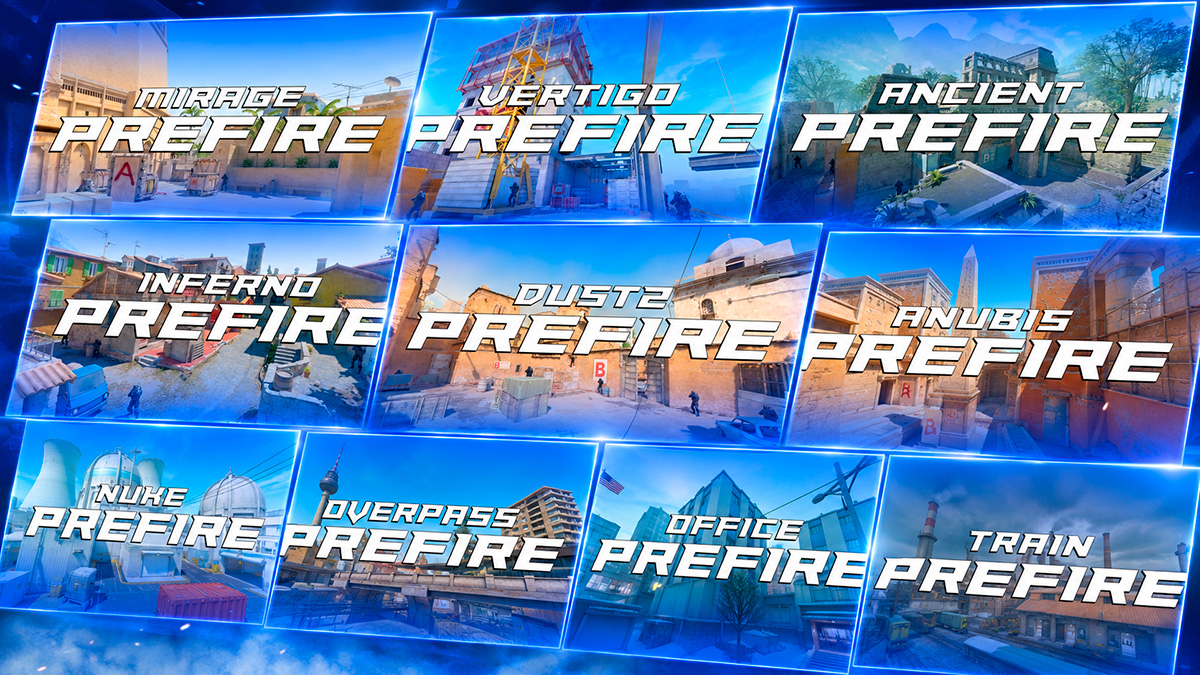
Prefire Maps in CS2 by lmtlss
Prefire Training Maps by lmtlss are the best starting choice for most players. The collection includes separate trainers for ten CS2 maps. On each map, you systematically clear key positions, and bots appear in different spots, so the run doesn’t turn into a mindless memorization of a single scenario.
Settings and Walkthrough for lmtlss Maps
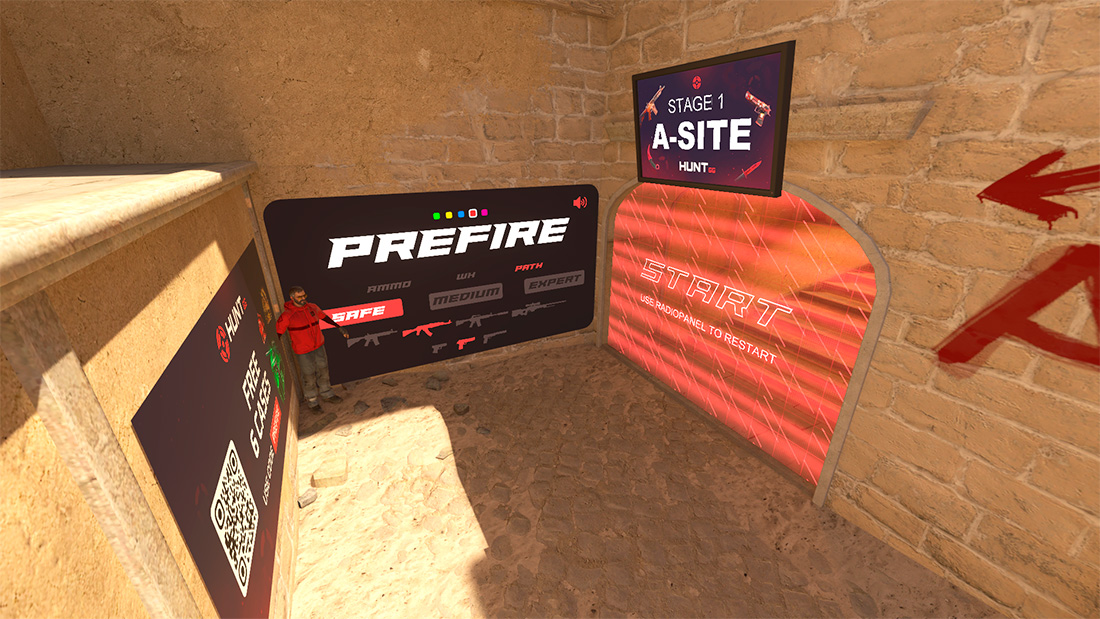
- Safe: bots do not shoot – this mode is suitable for first-time route learning.
- Medium: bots shoot with low accuracy, punishing obvious mistakes.
- Expert: high reaction speed and accuracy for experienced players.
- Weapons: AK-47, M4A4, M4A1-S, AWP, Glock-18, Desert Eagle, and USP-S; other weapons can be bought at spawn.
- Additional features: infinite ammo, bot highlighting through walls, route display, and dynamic position changes.
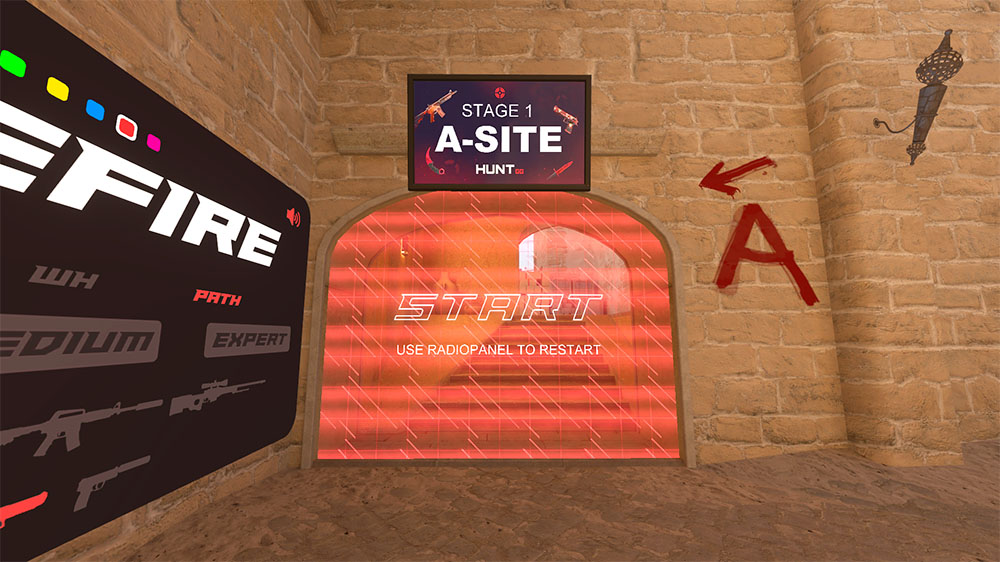
Main settings can be changed during the run via the radio menu on the Z key. Options include restart, Wallhack, Infinite Ammo, Pathway, standard player models, and Dynamic Bots.
The route is split into several stages: for example, A site, Mid, and B site. After each section, the map shows your stats, and at the end, your total time and accuracy. For your first attempt, enable Safe and Pathway, then move on to Medium with dynamic bot positions.
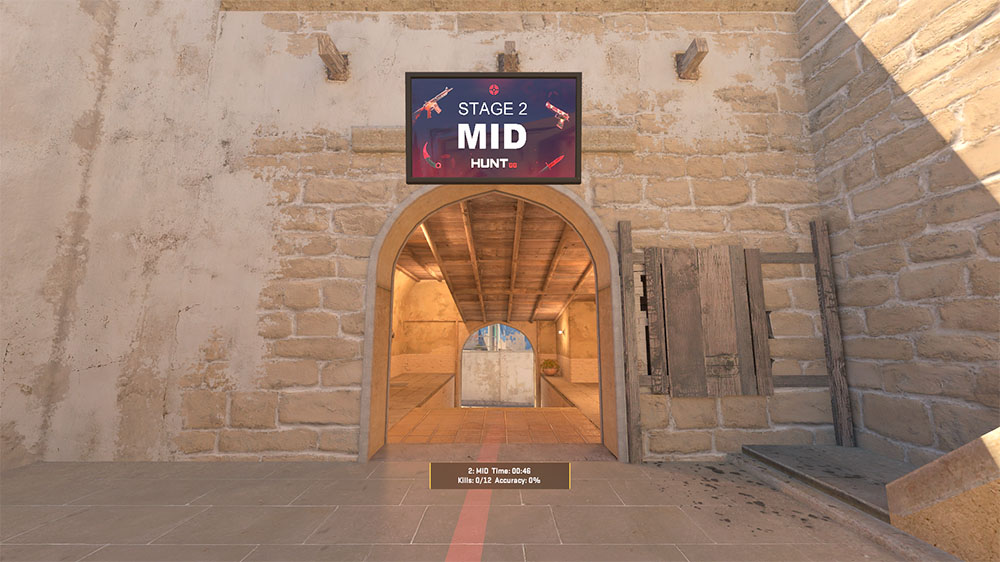
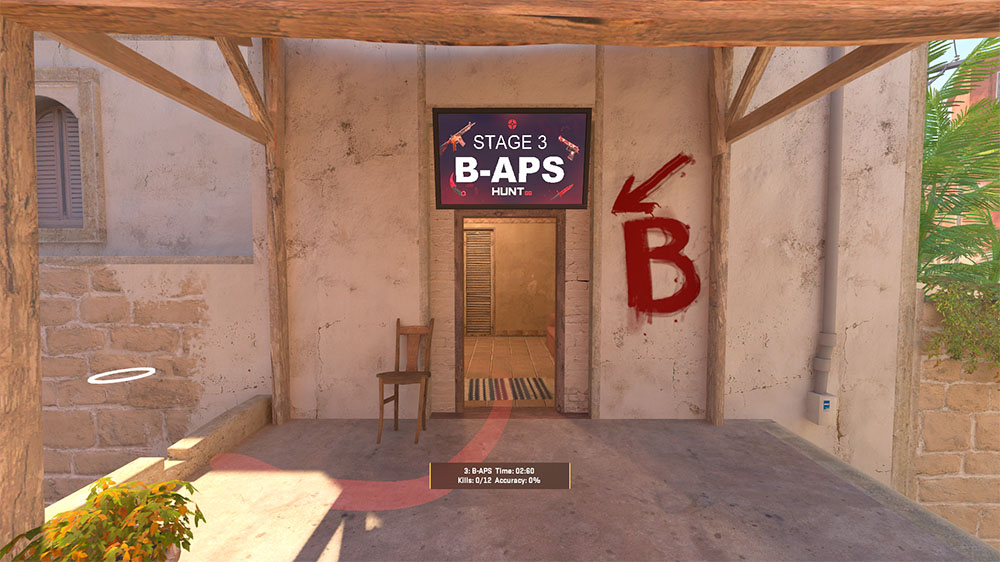
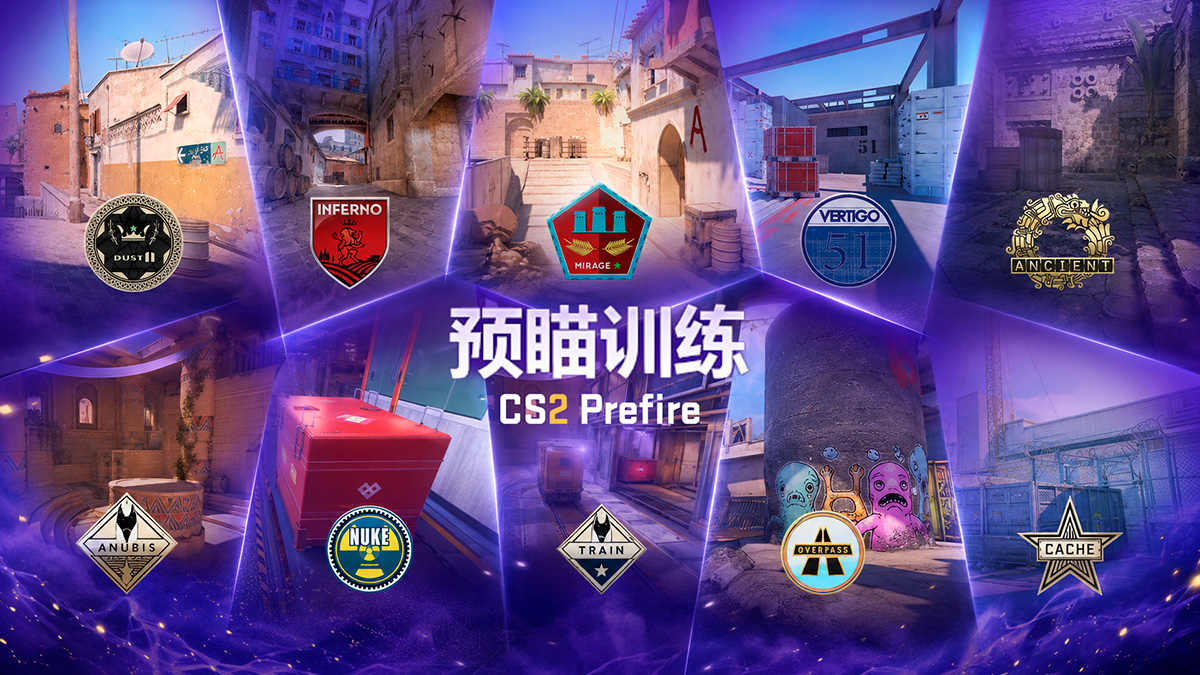
List of lmtlss Prefire Training Maps
You can subscribe to the entire collection on the Prefire Training Maps Steam Workshop page.
Prefire Maps in CS2 by 5EPLAY
5E_Prac_Maps by 5EPLAY offer more customization and two training formats: following pre-defined routes or free-roam across the map. This series suits players who already know the main positions and want to fine-tune difficulty and bot behavior.
Settings and Modes in 5EPLAY
On the first launch, press the Z key, select Change Lang, and switch the interface to Russian or English. Then configure your training at spawn:
- Difficulty: Harmless, Easy, Medium, or Hard.
- Health: separate HP settings for the player and bots, plus health regeneration after kills.
- Bot weapons: pistols, SMGs, rifles, or sniper rifles.
- Additional parameters: armor, bot highlighting, random positions and models, infinite ammo, bullet and blood decal cleanup.
- Player equipment: primary weapons are available at spawn, and you can also choose any knife in CS2 without a skin.
Most maps offer eight attack or defense routes, with Overpass offering nine. After completion, you’ll see accuracy and time stats. The Free Practice mode removes the fixed route: you move freely around the map while bots spawn at random positions.
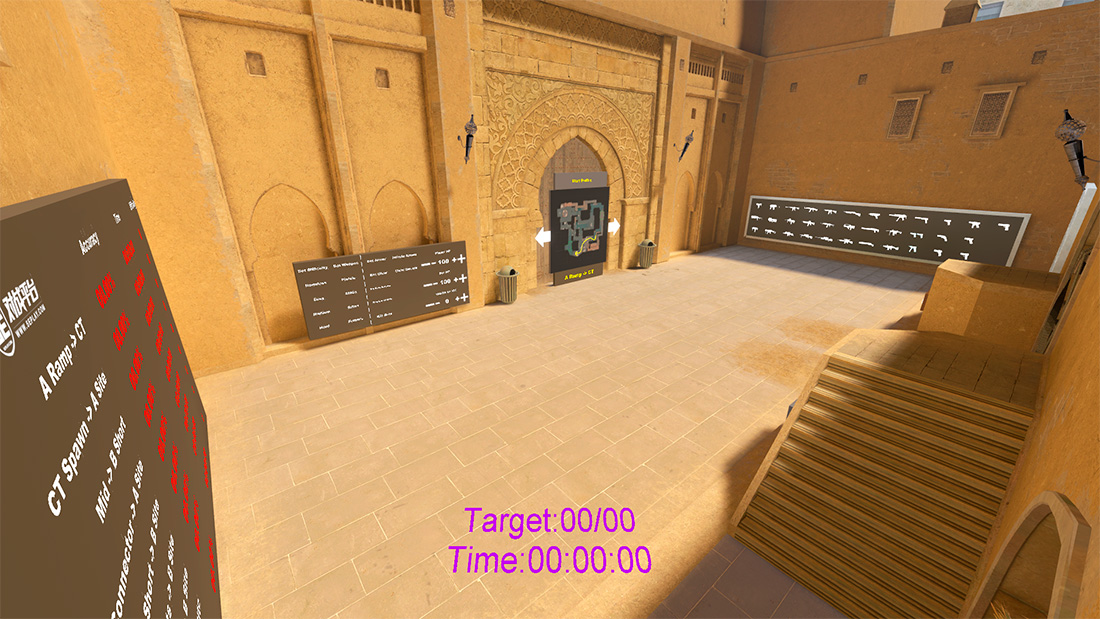
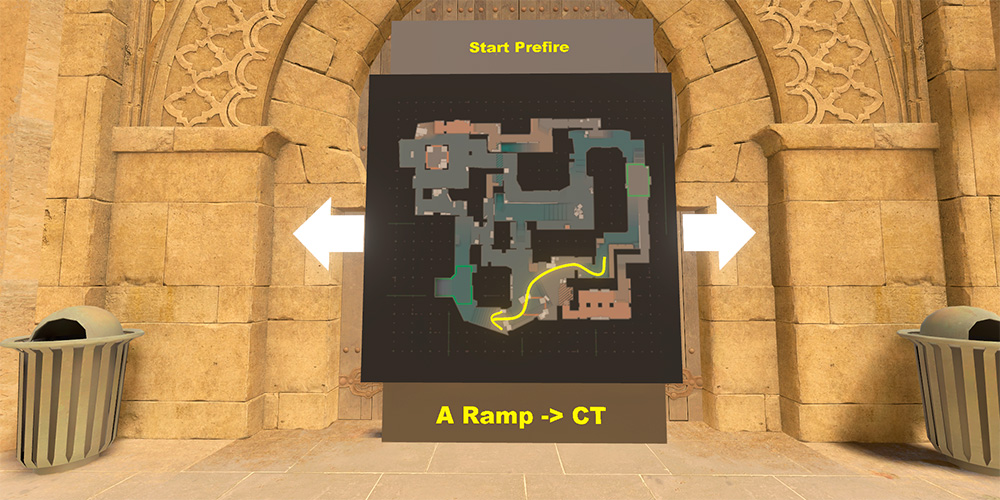
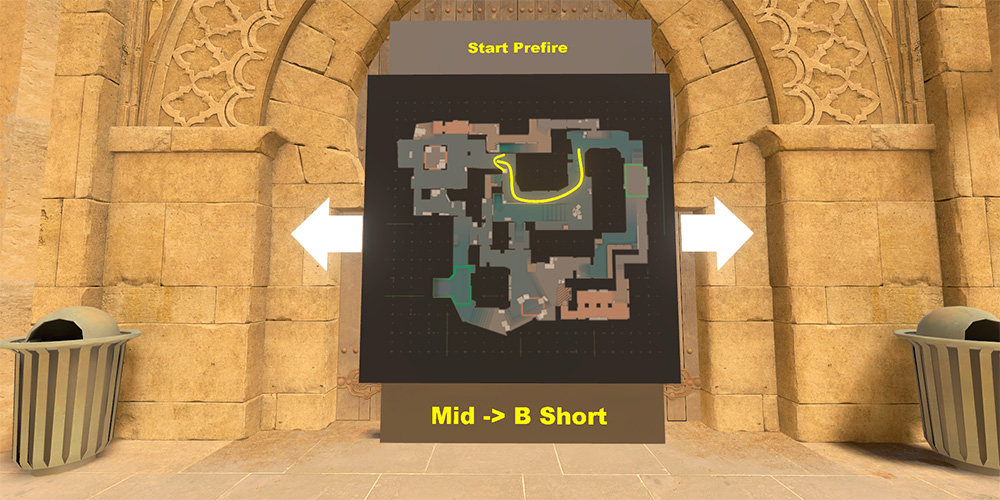
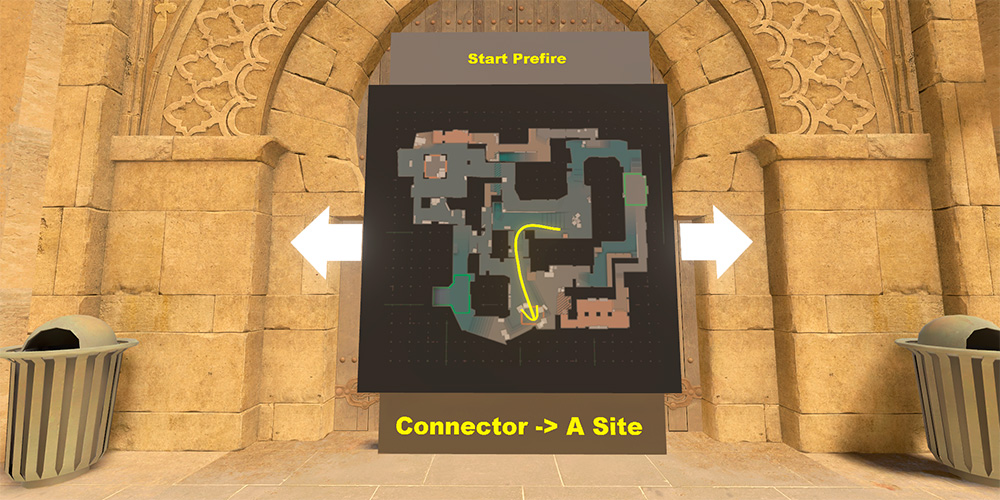
List of Prefire Maps by 5EPLAY
Note: 5E_Prac_Cache was added to the collection in April 2026. In the Workshop comments, some players report crashes and bot spawn issues. If the map is unstable, wait for an update or temporarily use another trainer.
The entire series is available on the 5E_Prac_Maps Steam Workshop page.
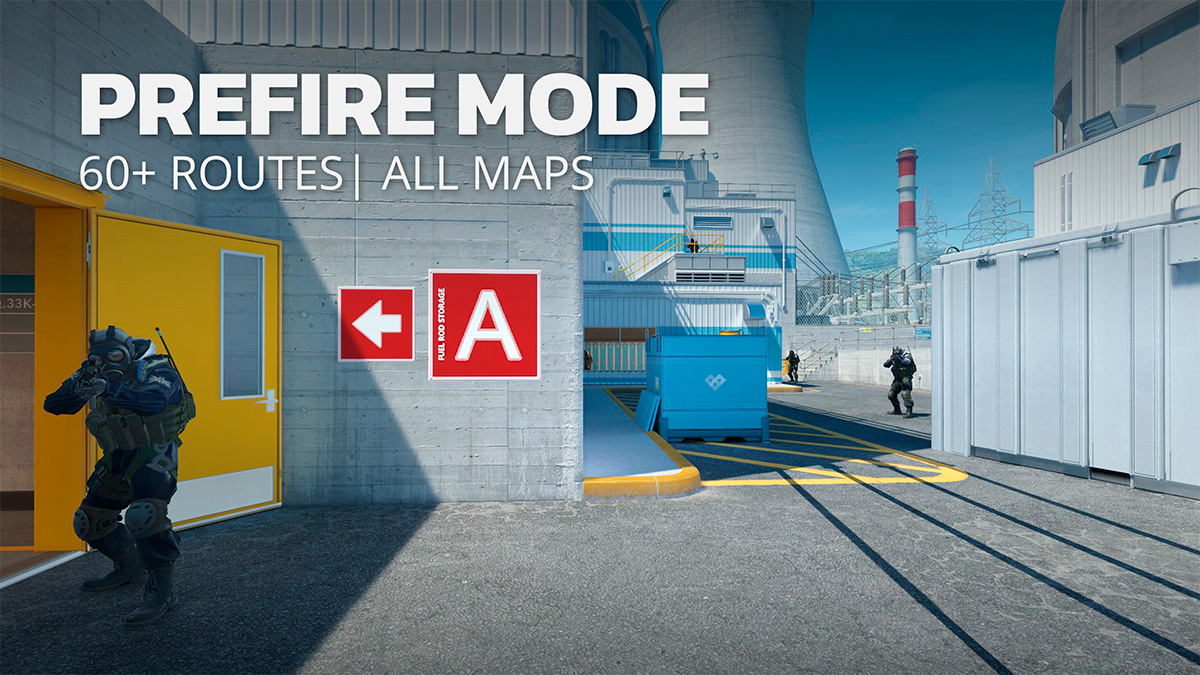
Yprac Hub – Universal Map with Prefire Mode
Yprac Hub by Yesber is an updated trainer for CS2 that combines several practice types into one map. After a major update in July 2026, it includes a Prefire mode with more than 64 routes, plus aim training, nade lineups, movement drills, and a free-roam mode on official maps.
What’s Available in Yprac Hub
- Prefire: over 64 routes for practicing angles, peeks, and pre-aim.
- Utility: a library of smoke, flash, incendiary, and HE grenade lineups.
- Aim Trainer and Bot Arena: exercises for aiming, flicks, tracking, and target acquisition.
- Shortcuts: routes for practicing movement and fast rotations.
- Sandbox: free practice on official maps.
The main advantage of Yprac is that all modes are in one hub. However, without an additional client, only a limited version is available from the Workshop. A free account and Yprac Companion unlock more features, but some maps, modes, and extended stats are Premium-only. For a completely free, no-registration training session, lmtlss or 5EPLAY are more convenient.
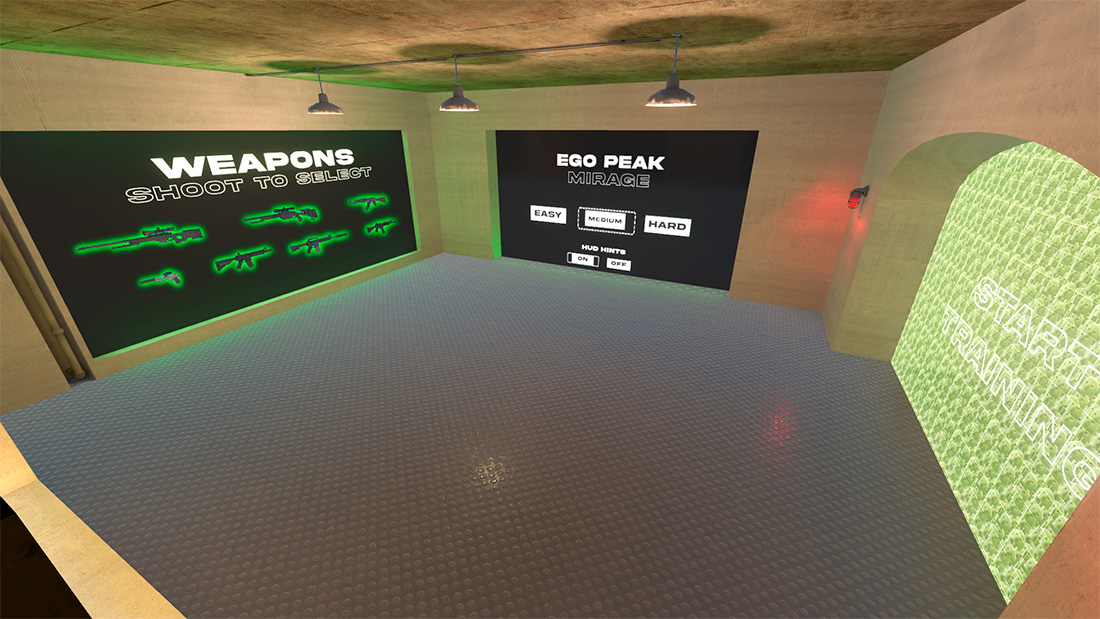
EGO PEEK Trainer Maps by Drippy Cat
The Drippy Cat maps don’t guide you through the entire location. Instead, they are designed for repeated practice of a specific aggressive peek: the enemy takes one of several random positions, and you must properly clear the angle and win the duel.
Drippy Cat Settings
- Difficulty: Easy, Medium, or Hard.
- HUD Hints: enable or disable on-screen tips before the scenario.
- Weapons: AWP, SSG 08, AK-47, USP-S, M4A4, M4A1-S, and Galil.
The Mirage EGO PEEK Trainer focuses on peeking Mid against Window, Short, and other positions. The Inferno version covers Mid and Banana, while the Dust EGO PEEK Trainer trains you to clear Mid against multiple enemy spawn variations.
List of Drippy Cat Maps
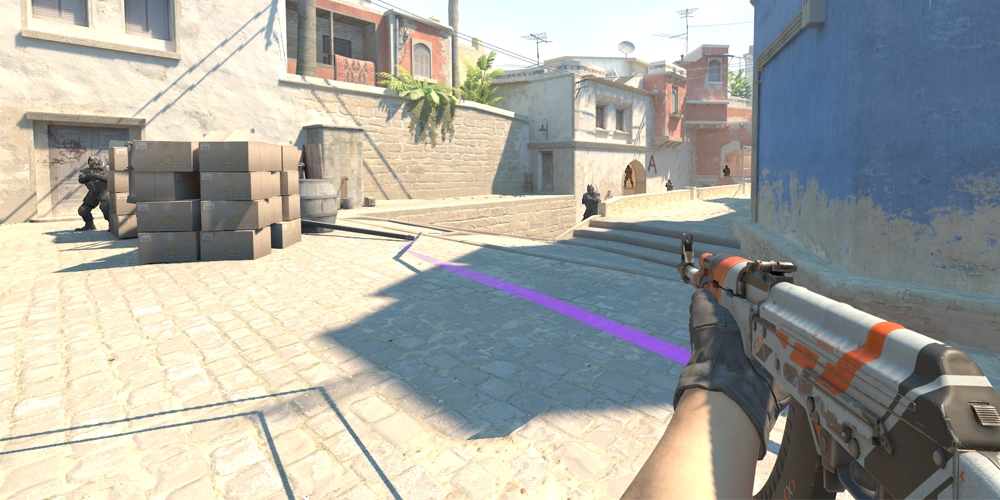
How to Properly Train Prefire in CS2
Running through the same map at maximum speed over and over isn’t enough. The main goal is to lock in the correct crosshair placement and angle-clearing order, and then transfer those actions into a real match.
A Ready-Made 10–15 Minute Training Routine
- 2–3 minutes – learn the route. Enable path and bot highlighting, move slowly, and memorize the sequence of positions.
- 5 minutes – focus on accuracy. Choose Medium and go through the route without rushing. Aim for first-bullet hits or short, controlled bursts.
- 3–5 minutes – random positions. Enable Dynamic Bots or Random Spawns to avoid memorizing a single scenario.
- One final timed attempt. Turn off all hints, time yourself, and compare your accuracy to your previous result.
What to Pay Attention To
- Keep your crosshair at head level. Adjust the height in advance, not after the bot appears.
- Stop before you shoot. Combine your peek with a counter-strafe and only then fire.
- Check angles one at a time. Don’t expose yourself to multiple possible positions at once.
- Train with your primary weapon. As a rifler, it’s more useful to spend most of your time with the AK-47 or M4 rather than switching weapons after every run.
- Pick the map that matches your next match. Practicing on Mirage right before playing Mirage is more beneficial than randomly cycling through all maps.
How to Install and Launch a Prefire Map in CS2
All maps in this collection are installed via the Steam Workshop. You don’t need to download files from third-party sites or manually move them into your game folder.
- Choose a map from the list below and click the Steam button.
- On the Workshop page, click “Subscribe”.
- Wait for Steam to automatically download the map.
- Launch CS2 and open the “Play” section.
- Go to the “Workshop Maps” tab.
- Select the installed map and click “Start”.
If the map doesn’t appear in the game, restart CS2 and Steam. Also, check your downloads section – sometimes the map file is still in the queue.
Frequently Asked Questions
Which prefire map in CS2 is best for a beginner?
How long should I train prefire?
Which weapon should I choose for training?
Can I play prefire maps with a friend?
What should I do if the map crashes or doesn’t start?
Do prefire maps replace aim training and Deathmatch?
Conclusion
For free and straightforward training, choose Prefire Training Maps by lmtlss. If you need precise settings for HP, weapons, and bot spawns, try 5EPLAY. Yprac Hub is best for those who want to combine prefire, aim, and nades in one system, while Drippy Cat maps help you specifically work on difficult aggressive peeks.
Start with one map you actually play, learn the route on easy difficulty, and gradually introduce random positions. This way, you’ll transfer the learned angles into real matches and turn prefire from a random shot into a deliberate, effective action.

We have prepared a large list of websites where you can get bonuses such as free cases, skins, or promo codes when topping up.

We compared the price of one skin on various trading platforms to help you choose the most suitable one.

We analyzed case opening sites and compiled a ranking, evaluating them from best to worst based on the quality and profitability of skin drops.